Edit Your Profile
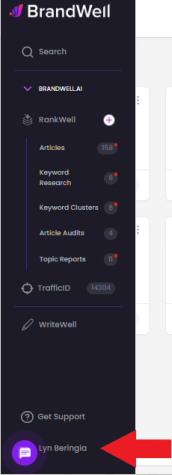
To make changes to your profile, click your name and profile image in the lower left-hand corner of your navigation menu.
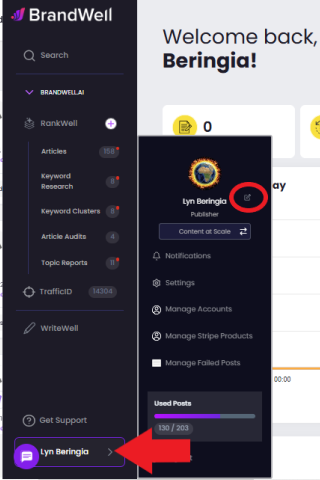
Then, click the small "edit" button next to your name.
This will open your details, which you can easily edit by clicking each field.
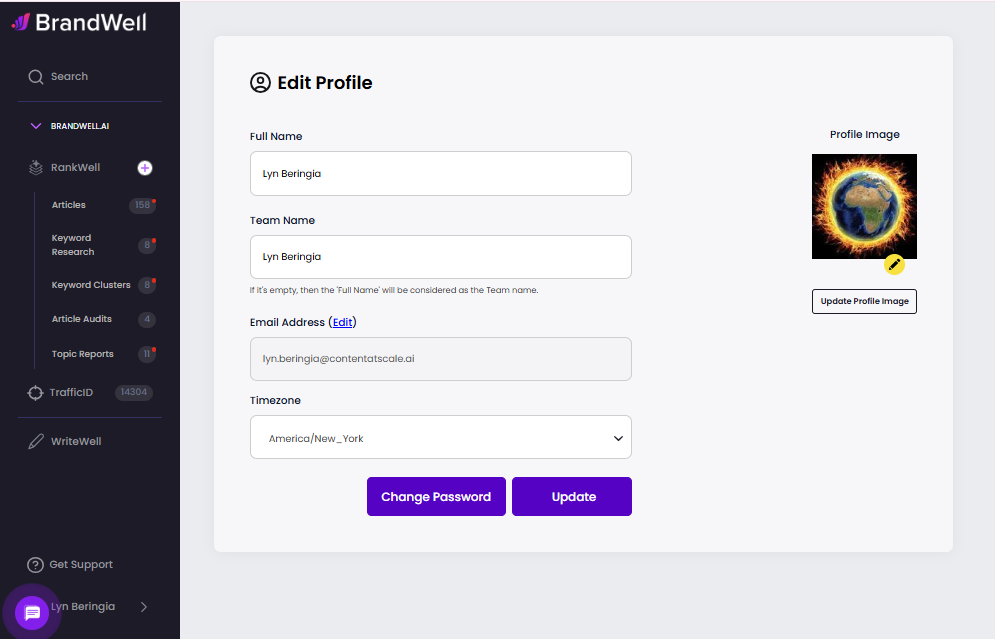
💡 Note: Remember to click "Update" after any changes.
Was this article helpful?
Still stuck?