How to Edit the URL Slug and Meta Description
This guide walks you through how to edit the URL slug and meta description for your article. These SEO elements help improve how your content appears in search engine results.
Steps:
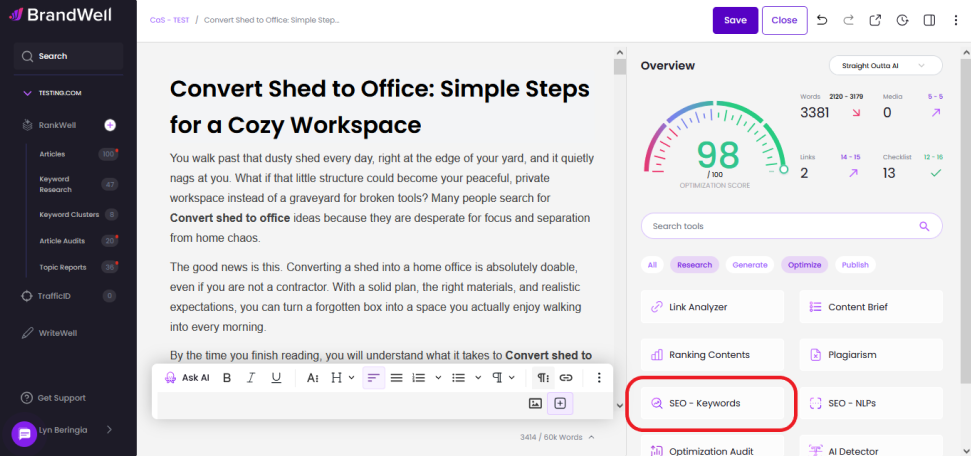
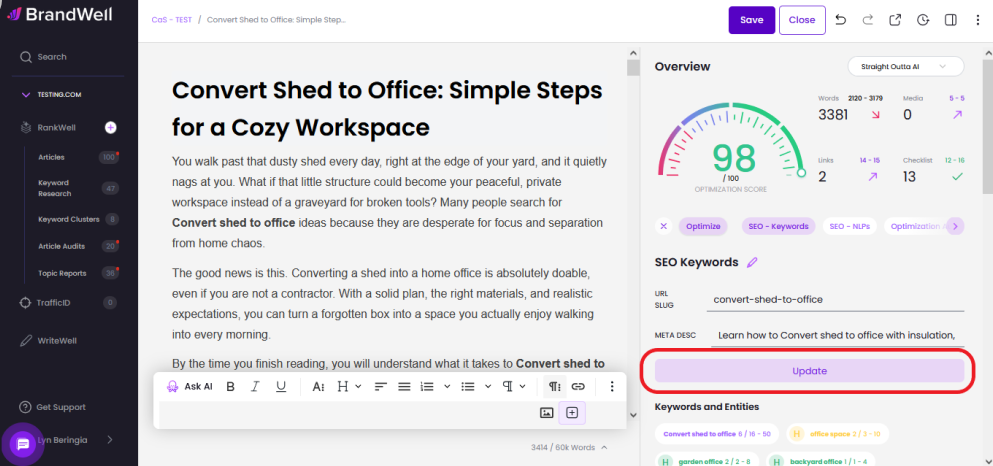
 From the menu on the right side of the Editor page, click SEO Keyword.
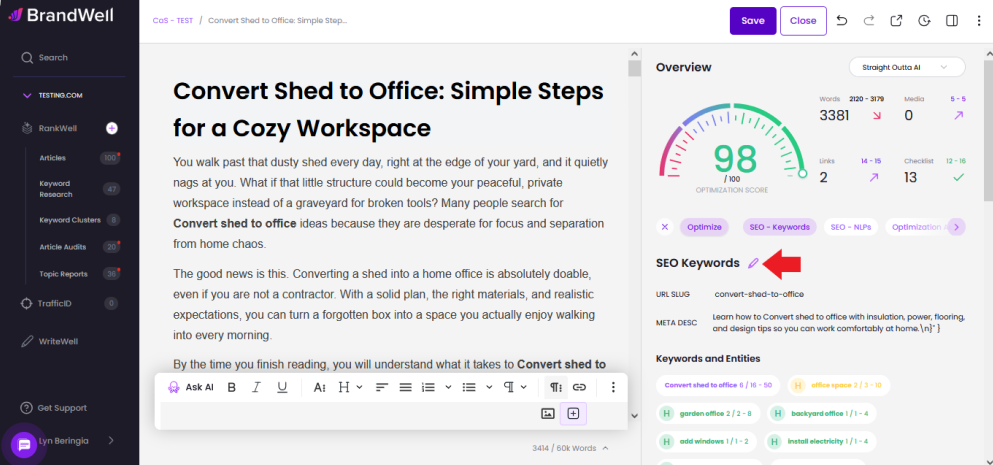
In the SEO Keywords section, click the pen icon to enable editing.
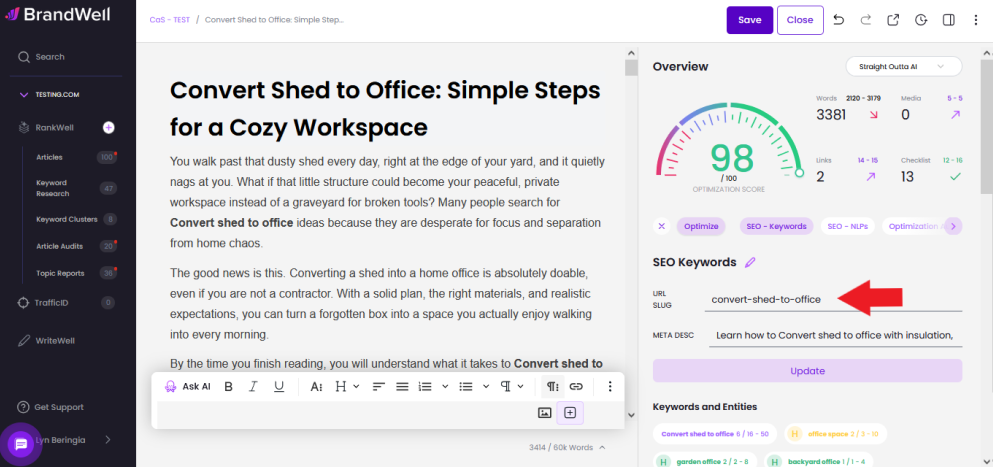
Click on the URL slug field. Make your changes, then click anywhere outside the field to save.
Scroll down to the Meta Description section. Review and update the text as needed, then click outside the field to save your changes.
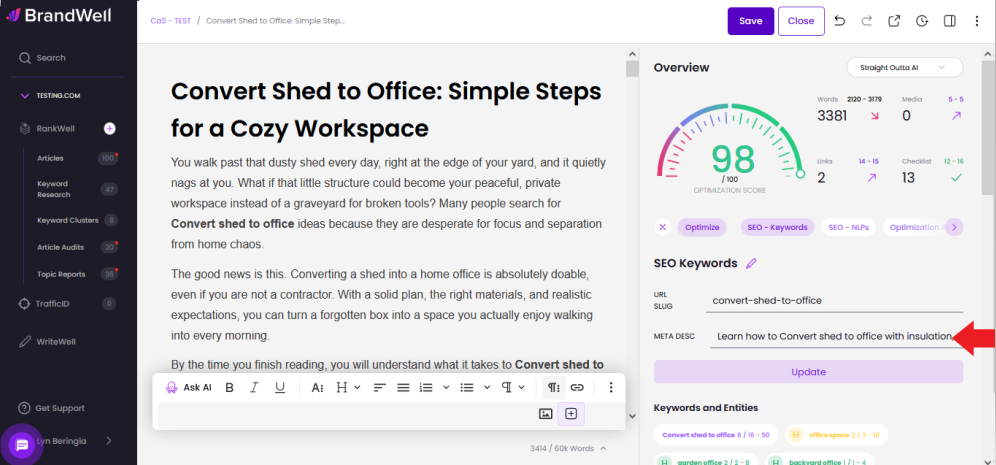
Once all edits are complete, click the Update button to save your changes.
Was this article helpful?
Still stuck?