Exclusions: Excluding Keywords or Competitors
The _Exclusions_ feature can be used for keywords or competitors.
Listing a domain name or brand name in _Exclusions_ tells the AI to ignore those domain names and brand names in its research. But if, within the scope of the article, the brand is such a huge influence that it cannot be ignored, then AI will probably include it.
Note: If the subject absolutely cannot be ignored, the AI might include it anyway. For example, if you're writing about '_best Apple products'_ and you're asking BrandWell not to talk about iPhone, your article will probably mention iPhone anyway.
How to use the Exclusions feature to exclude keywords or competitors:
Overview:
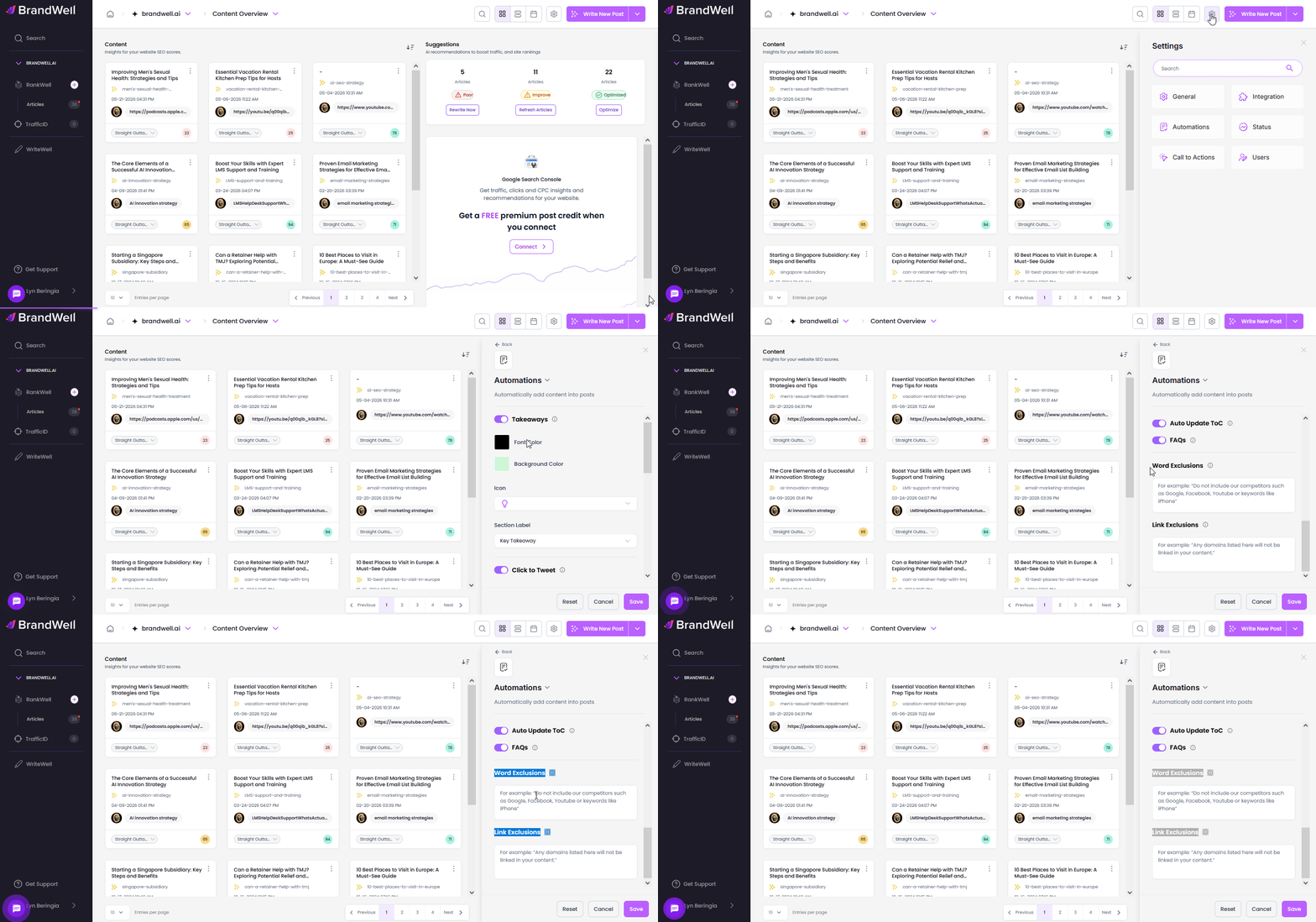
Here's a step-by-step guide:
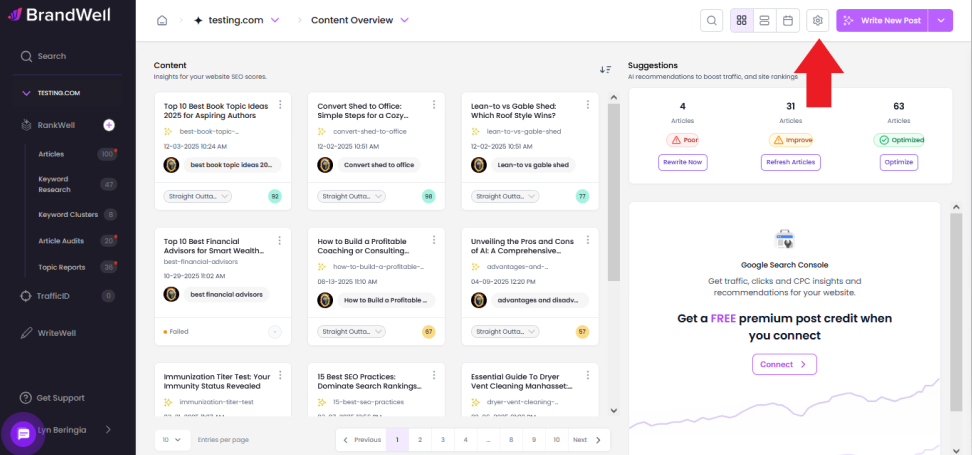
- Go to Project Settings by Clicking the gear icon.
- Select Automations from the list.
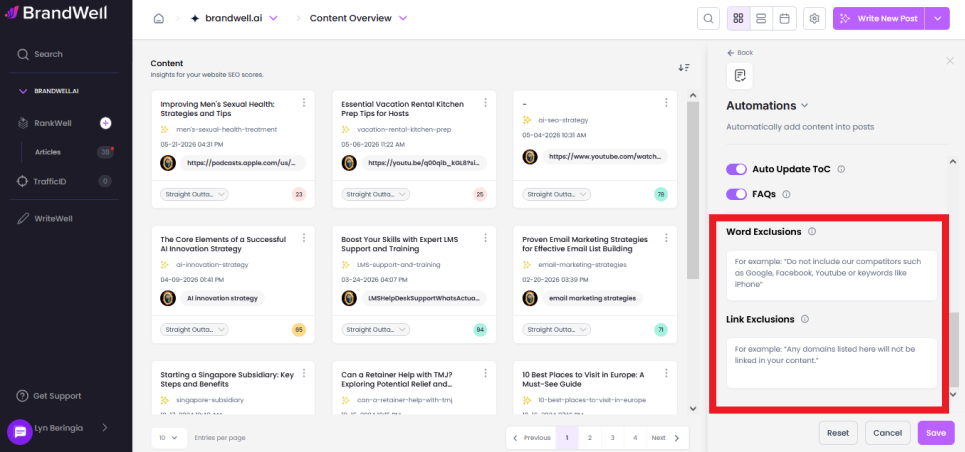
- Scroll down to see the Exclusions feature.
- Type in the word/keyword you want to exclude inside the box. Do the same for Link exclusions.
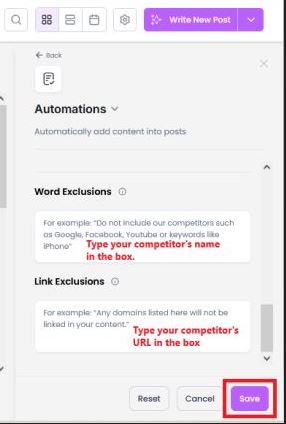
- Click Save.
 Make sure to specify whether you're excluding a keyword or a competitor by using this format:
Ex: "Do not include the keyword [keyword]" OR "Do not include our competitors such as".
Was this article helpful?
Still stuck?