How to Access TrafficID
Start Seeing Leads in Real-Time with TrafficID
Once you install the script, you’ll begin identifying leads on your website almost instantly. TrafficID captures traffic in real-time and delivers lead data directly to your dashboard, providing immediate value and insights.
Overview:
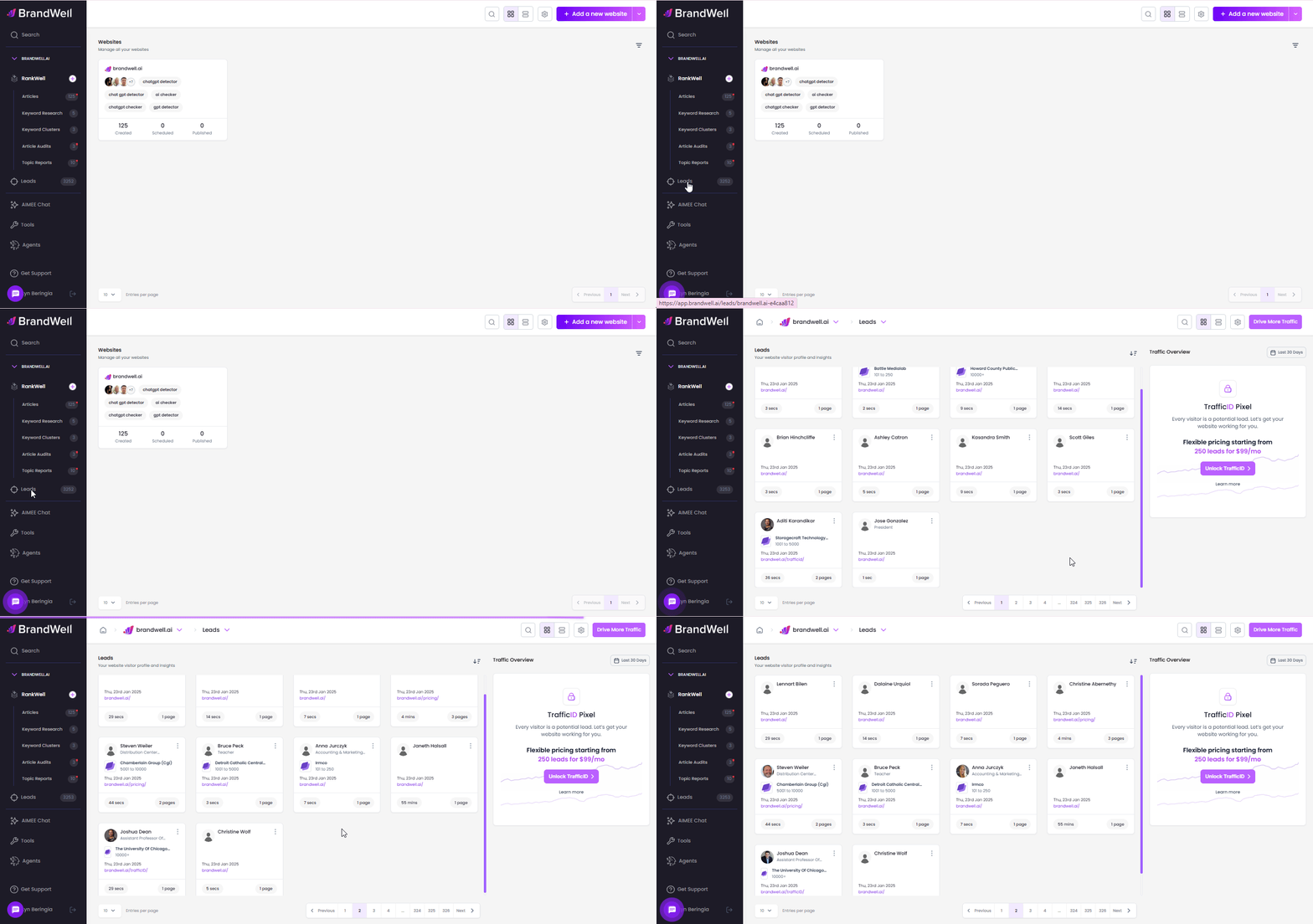
How to Access TrafficID:
 Go to the "Leads" Tab
- Click on the Leads tab located in the left-hand corner of the page.

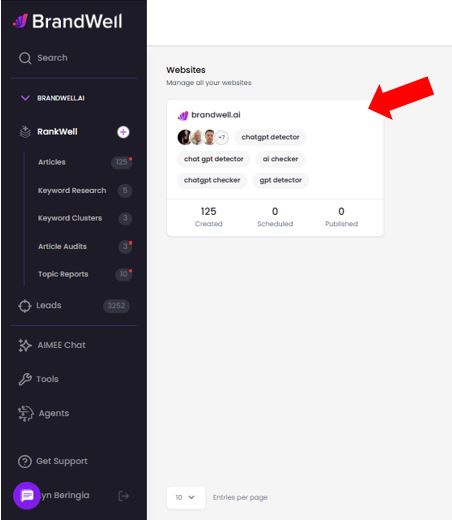
Select a Project
- Choose the project for which you want to view the leads list.
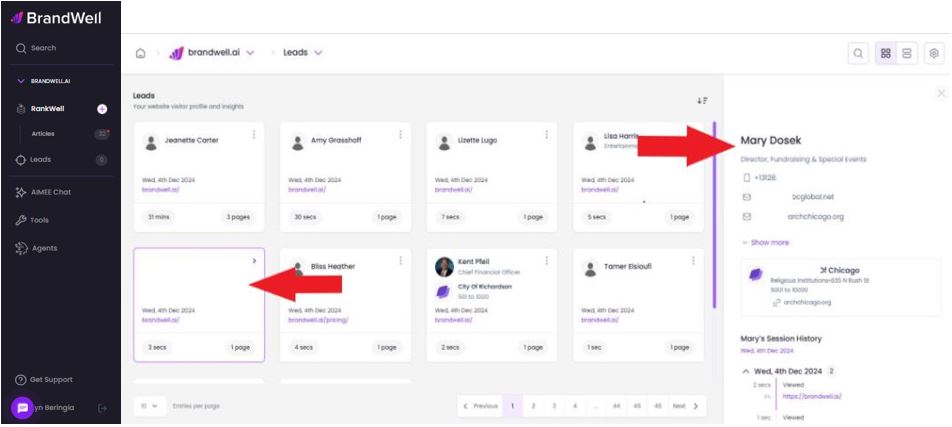
Click on a Lead
- Select a lead to view their detailed information.
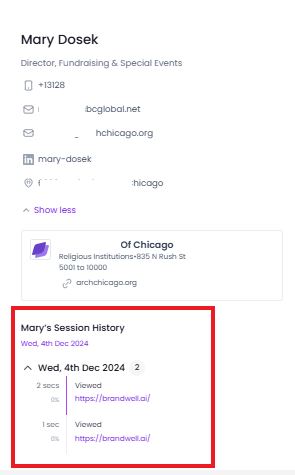
Review Session History
- You can see the user's time and session history on your site for a deeper understanding of their activity.
 TrafficID helps you track and manage leads efficiently, delivering valuable insights as soon as they arrive.
Supercharge your marketing ROI by uncovering every lead that visits your site – even if they don’t fill out a form! Transform anonymous traffic into potential customers with full contact details, company insights, and engagement data at your fingertips.
Was this article helpful?
Still stuck?